Choose GreenLens if:
- Your plant has visible symptoms and you need the safest next move right now.
- You want to avoid making a stressed plant worse by applying the wrong fix.
- You want identification, care planning, and health diagnosis in one app.
Something looks wrong. Quickly find out what it could be and what to do next.
GreenLens is a plant health app for iOS and Android. When your plant shows symptoms — yellow leaves, soft stems, wilting, or spots — the health check scan identifies the most likely cause and gives you one clear next step. No endless list of possibilities.
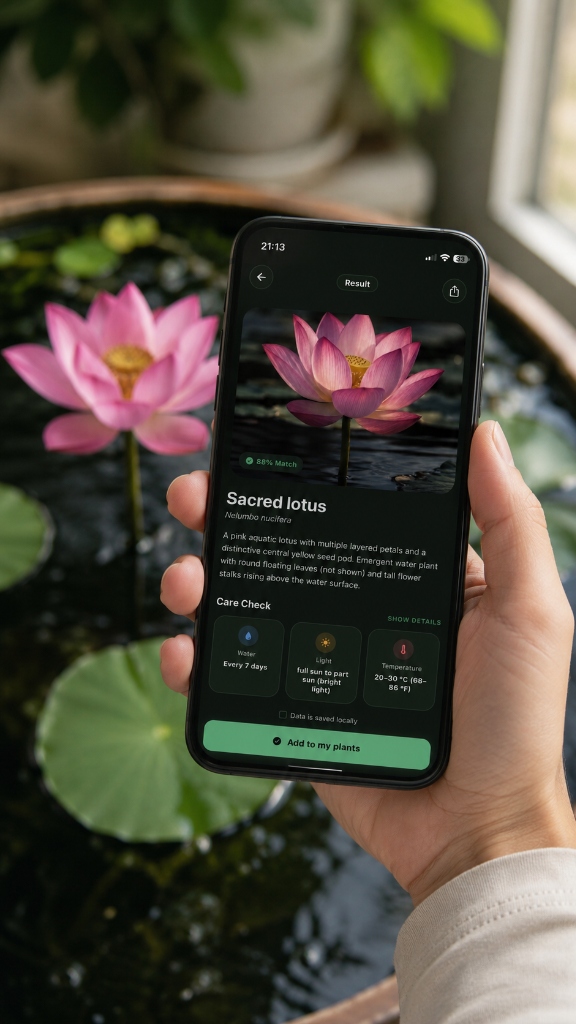
A plant health app analyzes visible plant symptoms and recommends corrective action. GreenLens is built around a core insight: most plant owners make the problem worse by doing too much. The health check is designed to surface the single next safest action — stop watering, check the roots, adjust the light — rather than overwhelming with options.
The health check combines photo analysis with species-specific context to suggest a clear next step.
A sharp photo of the affected leaf, stem, or area provides the basis for analysis.
The model looks for patterns such as discoloration, spots, wilting, or possible pest traces.
The species and its common issues help distinguish between symptoms that can look similar.
GreenLens summarizes possible causes and offers cautious, practical actions for further checking.
Compare how visible symptoms are assessed and whether the result offers a cautious, understandable next step.
Regular care beats infrequent intensive care. Use reminders to build a good routine.
Plant Disease Identifier →AI health scan analyzes the visible symptom pattern and returns the most likely cause with a priority ranking.
Returns a broad list of possible diseases without helping you decide which one applies.
Recommends one concrete action: stop watering, check soil moisture, isolate the plant, or move it to better light.
Generic advice like "improve drainage" or "reduce humidity" without actionable sequencing.
Specifically designed to stop the most common beginner mistake: adding more care to an already stressed plant.
Most apps give more tasks, which often makes the problem worse.
Connects symptoms to recent care events — repotting, environment change, watering frequency — for a more accurate diagnosis.
Analyzes the photo in isolation without accounting for what changed recently.
Identification and health check are connected — the care plan informs the diagnosis and vice versa.
ID and health features are separate with no shared context.
GreenLens is built specifically for plant health triage. The health check scan identifies the most likely cause of visible symptoms — yellow leaves, soft stems, wilting, spots — and recommends one concrete next step. It connects symptoms to recent care history for a more accurate diagnosis than photo-only tools.
Yellow leaves are most commonly caused by overwatering, insufficient light, root damage, or nutrient deficiency. GreenLens health checks analyze the symptom pattern and ask about recent care changes to narrow down the most likely cause before recommending a next step.
GreenLens identifies the visible signs associated with root rot — soft lower stems, yellowing despite moist soil, wilting, and foul smell — and recommends the appropriate response. Since it cannot physically inspect the roots, the diagnosis is based on the visible symptom pattern.
Stop adding more care. The most common reason plants die quickly is because owners stack more watering, fertilizing, or repotting on top of an already stressed plant. Open GreenLens, run a health check, and follow the single next recommended action before doing anything else.
For common houseplant problems and stress patterns, GreenLens is reliable and fast. For rare diseases, serious infestations, or high-value commercial plants, consulting a professional horticulturalist remains the safer option.